Free audiophile & sound engineering tools
Sixteen calculators and analyzers for the questions that come up between deciding you want better sound and actually getting it: whether an amp will drive a given headphone, what a room is doing to the bass, whether a file is really hi-res, whether you can hear a difference at all.
Everything runs in your browser. No download, no account, no upload, no tracking - audio files you load never leave your device.
Your ears & listening
Train your hearing, run blind tests, find your sound, and listen safely. (5 tools)
 Test
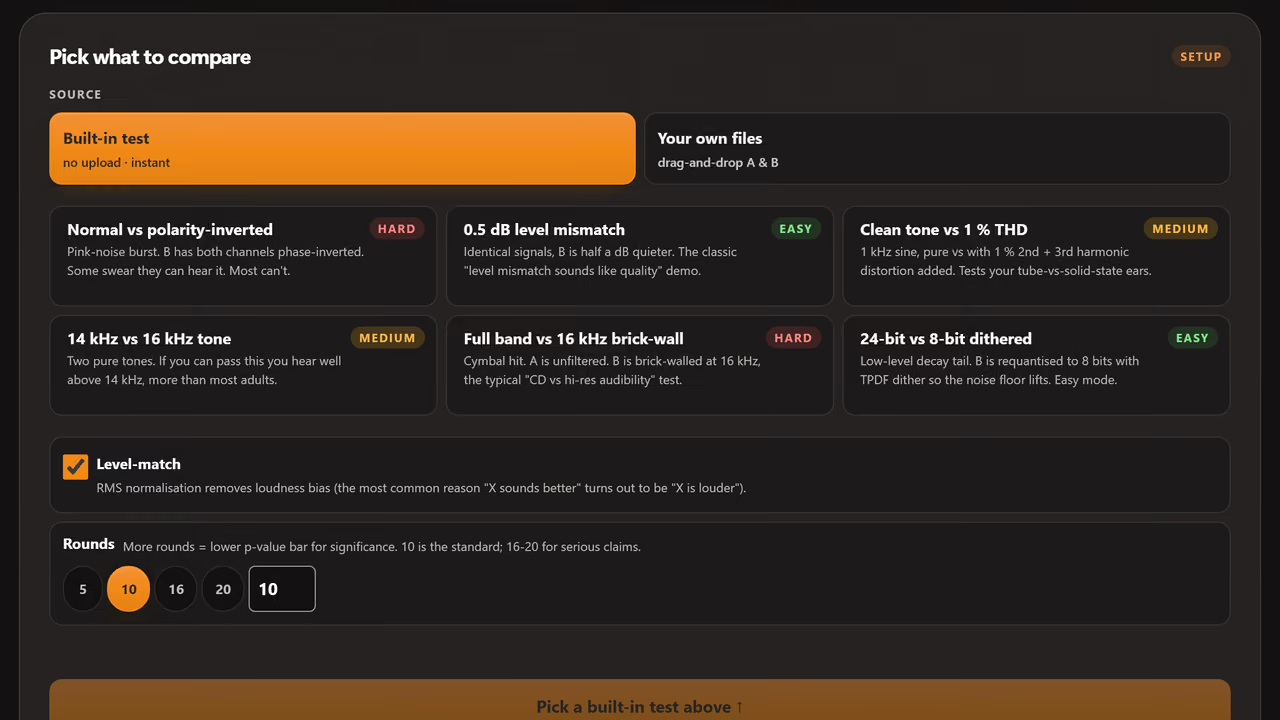
TestCan I actually hear the difference? ABX Blind Test
Six built-in synthetic test pairs, no upload needed - or drag in two files of your own. Level-matched and sample-accurate, with a shareable certificate.
 Training
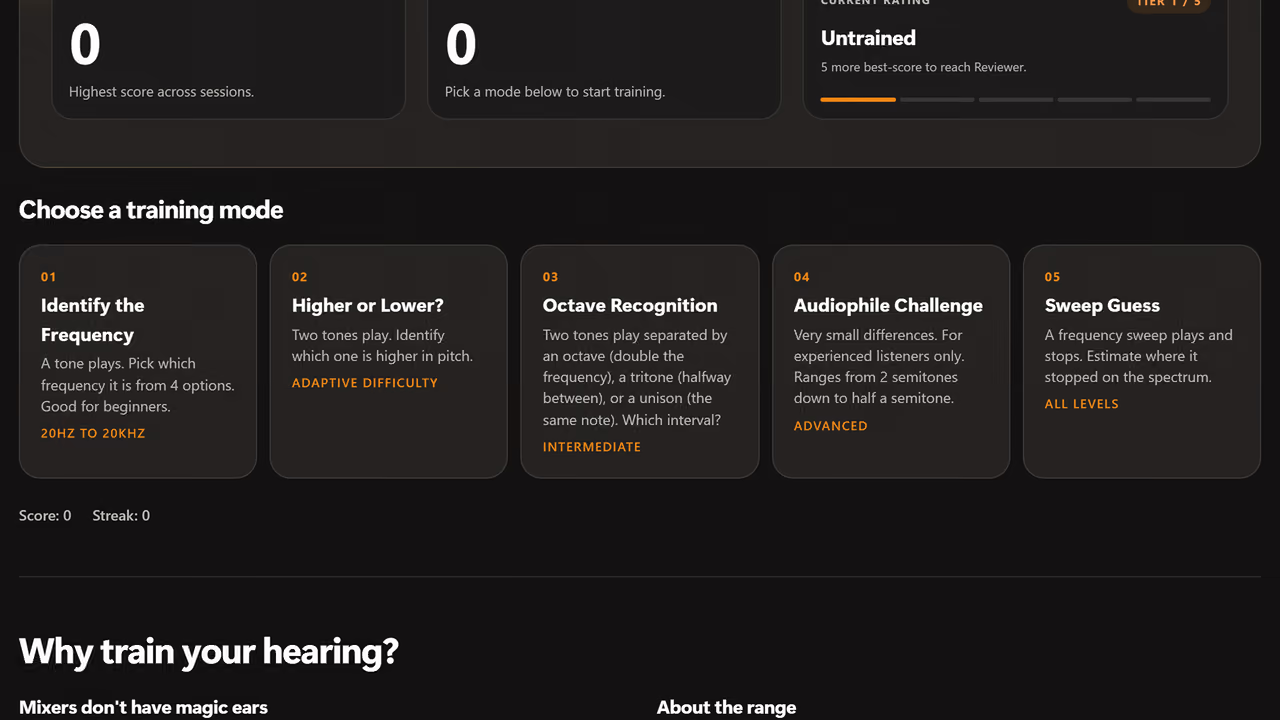
How good are my ears, really? EQ Ear Training Game
Train your ears to identify frequencies from 20Hz to 22kHz. Adaptive difficulty, five training modes, score tracking, and a shareable Golden Ear Rating.
 Listening test
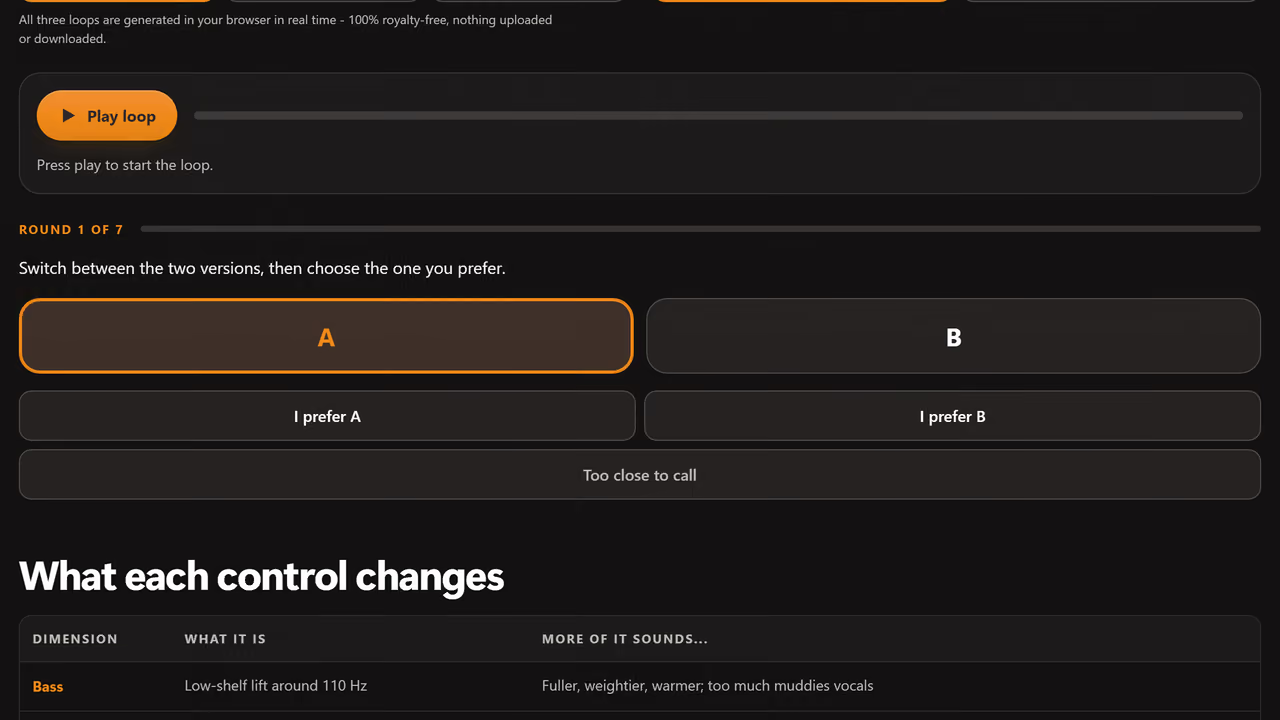
What sound do I actually like? Sound Signature Quiz
A blind A/B preference test over royalty-free music. Pick by ear between more or less bass, mids, treble, reverb, dynamics, even-harmonic warmth, and stereo width - then get your signature in plain English.
 EQ
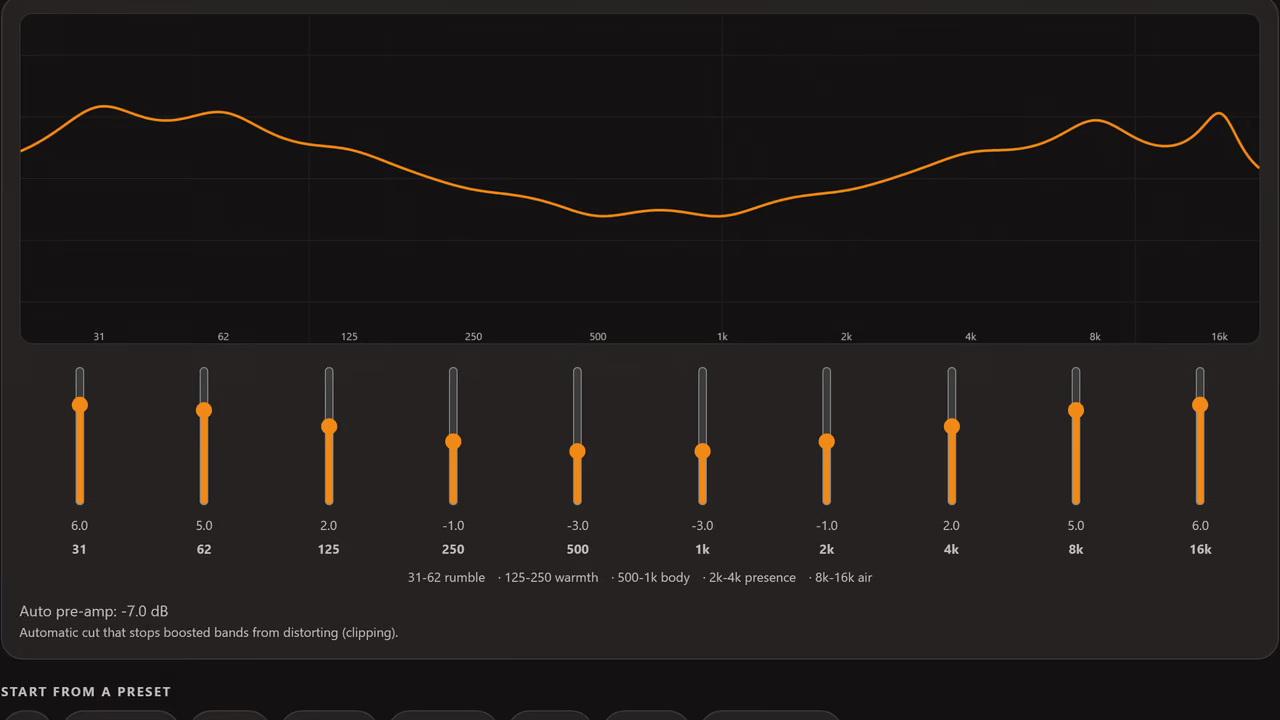
EQWhat does this EQ change sound like? Online Graphic Equalizer
A 10-band graphic EQ you can hear in real time over royalty-free music or your own file. Watch the response curve redraw live, then export presets for Equalizer APO, AutoEQ, Wavelet, or Poweramp.
 Safety
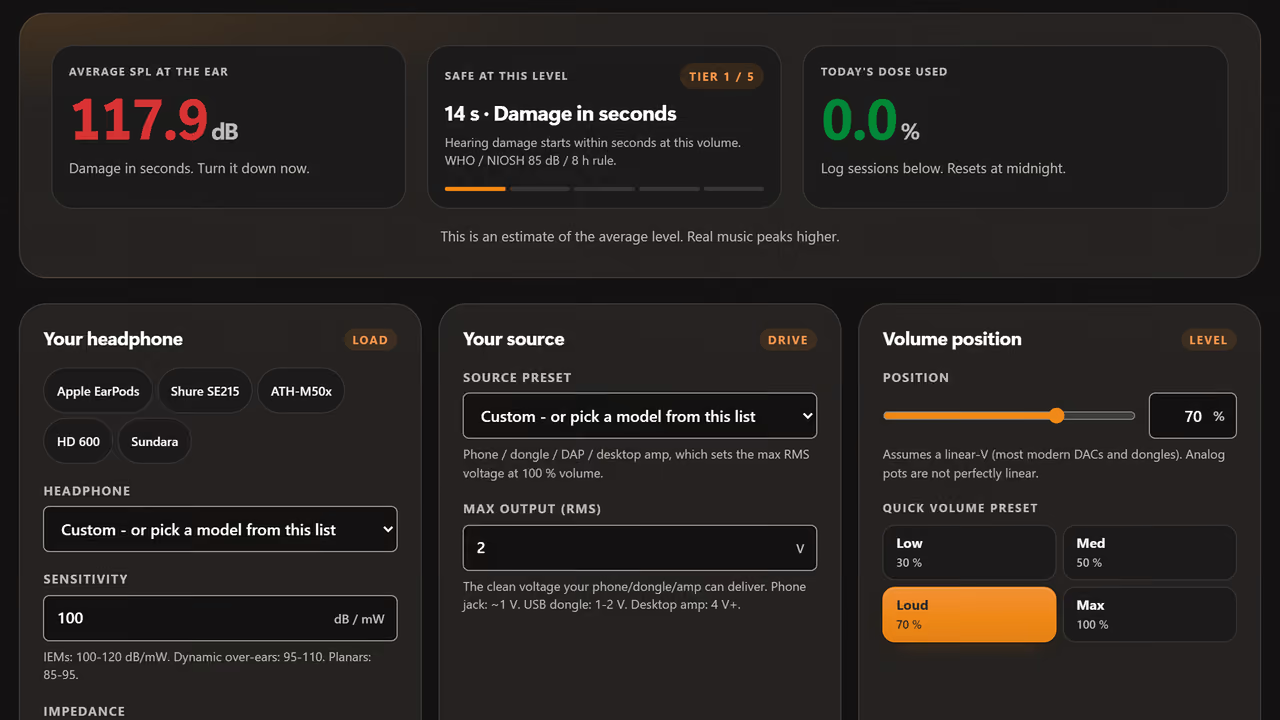
Am I listening too loud? Safe Headphone Volume Calculator
Enter your headphone sensitivity and volume setting to calculate the exact output SPL, the WHO-based safe listening time at that level, and today's dose so far.
Find your gear
Answer four quick questions for a ranked shortlist, then see it mapped against the whole scored catalogue. (1 tool)
 Finder
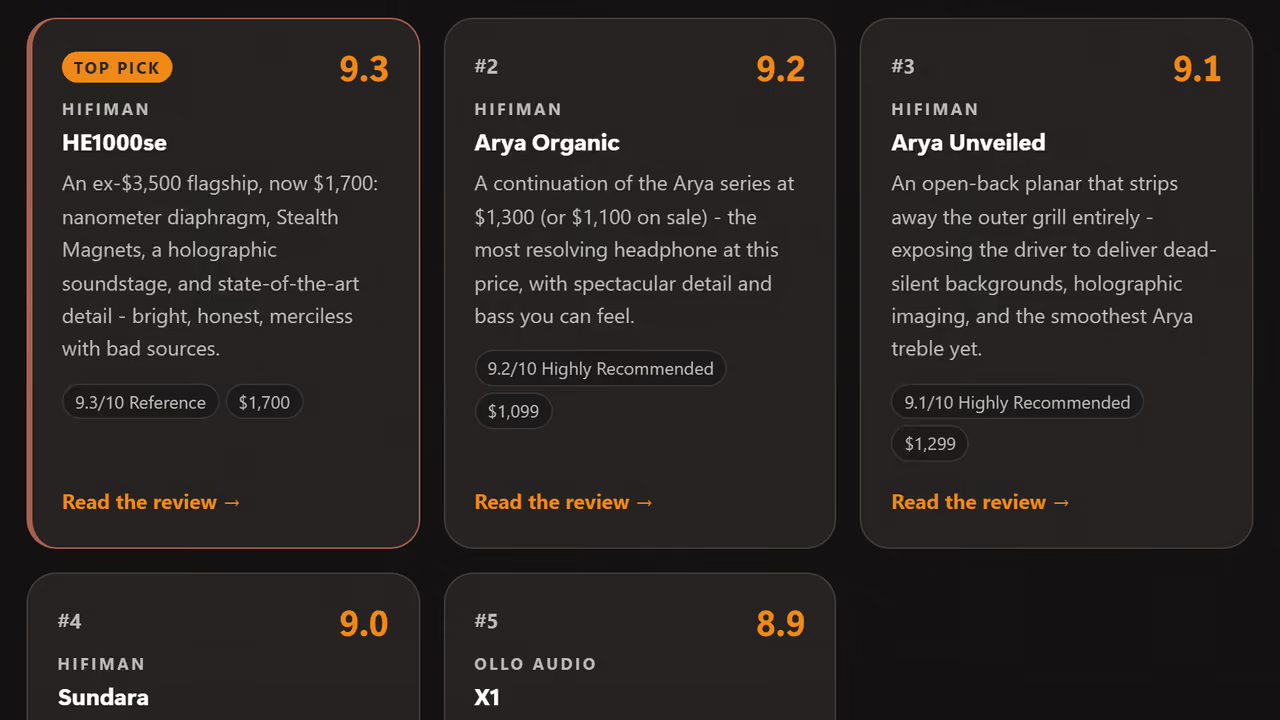
What should I buy? Help Me Choose: Audio Gear Finder Quiz
Answer four quick questions - category, budget, sound preference, use case - for a ranked shortlist pulled straight from our scored reviews. Then see every product mapped by price against score, your picks highlighted, every dot linking to its review.
Signal & files
Generate test tones, analyse a file, and check what your bits are really doing. (3 tools)
 Generator
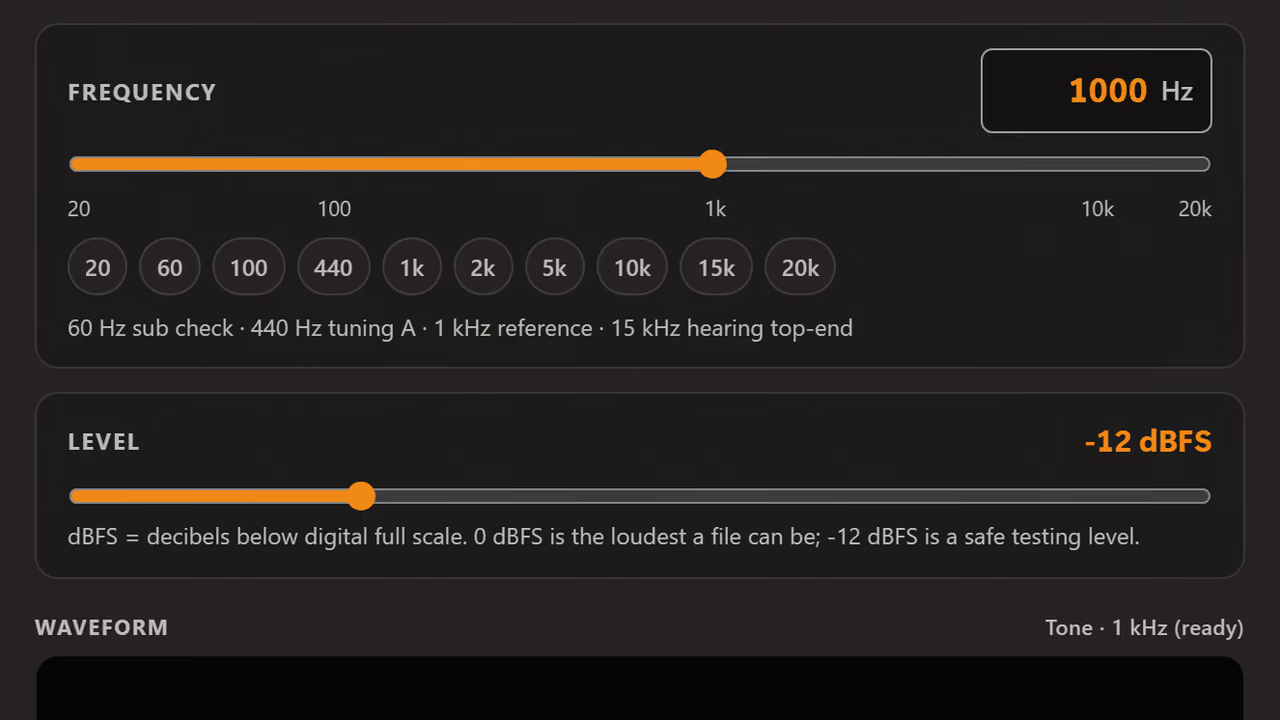
Is my system wired up correctly? Online Tone Generator
Pure sine waves, white, pink, brown, blue, and violet noise. Frequency sweeps, channel test, and polarity check. No download. Runs entirely in your browser.
 Analyzer
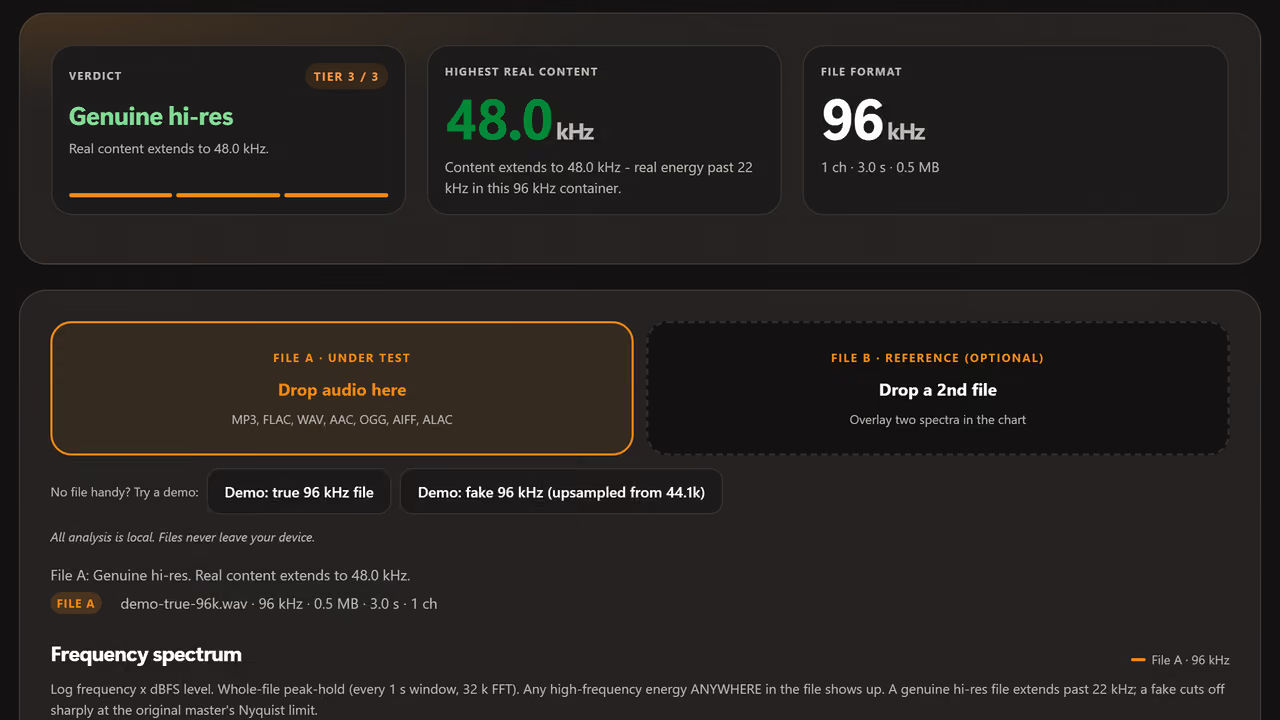
Is this file really hi-res? FLAC & Hi-Res Audio Checker
Drop any audio file and see its real frequency content via FFT spectrogram. Catches upsampled fakes where a "192kHz" file secretly contains only 44.1kHz content.
 Calculator
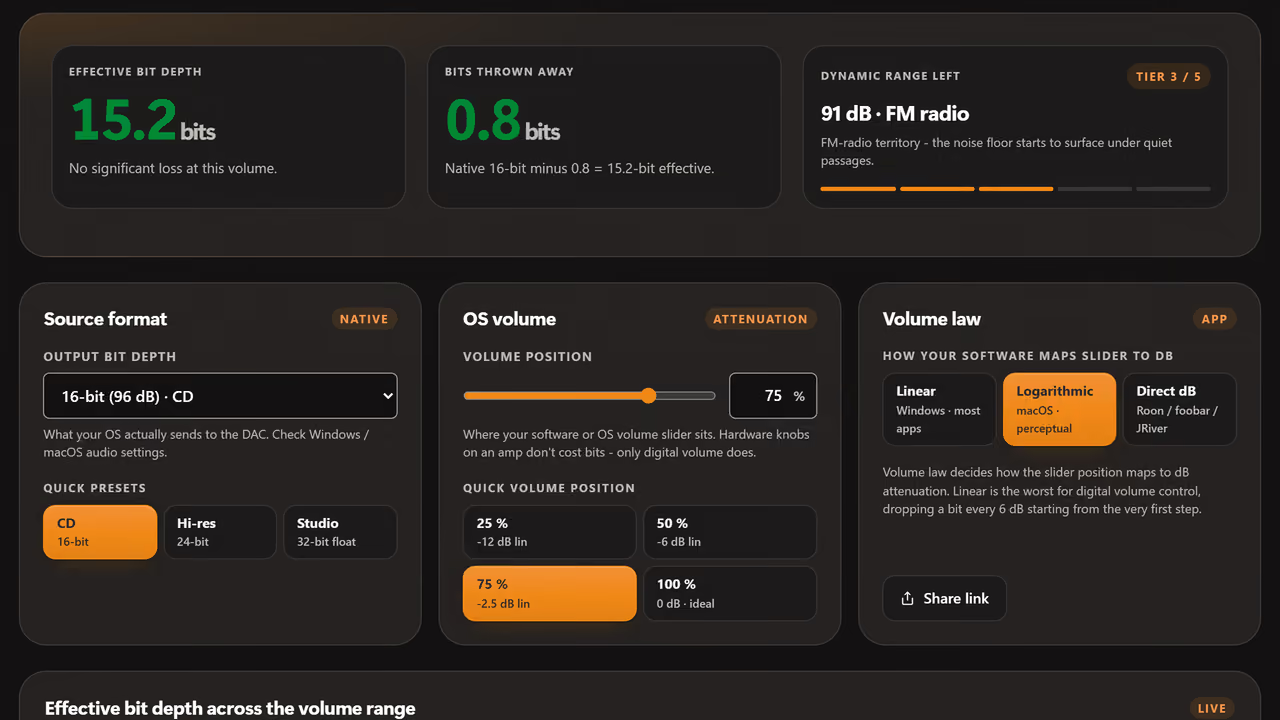
Does digital volume hurt quality? Bit Depth Calculator: Digital Volume Loss
Find out how many bits of audio resolution you lose when lowering digital volume in Windows or macOS. Shows effective bit depth and noise floor rise.
Power & matching
Will it drive it? Size amplifier power, SPL, and headroom before you buy. (3 tools)
 Calculator
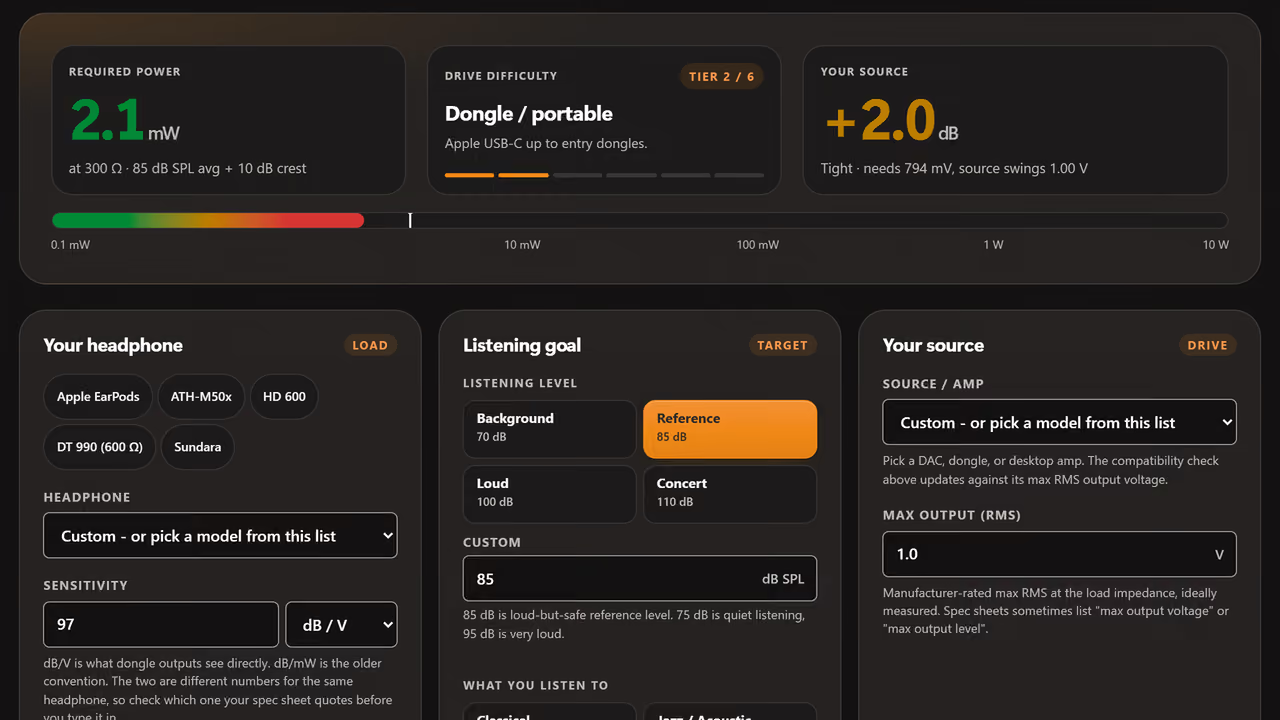
Will my amp drive these headphones? Headphone Power Calculator
How much amplifier power your headphones need to hit a target listening level. Sensitivity (dB/mW or dB/V), impedance, headroom: required mW, RMS volts, and peak voltage swing.
 Calculator
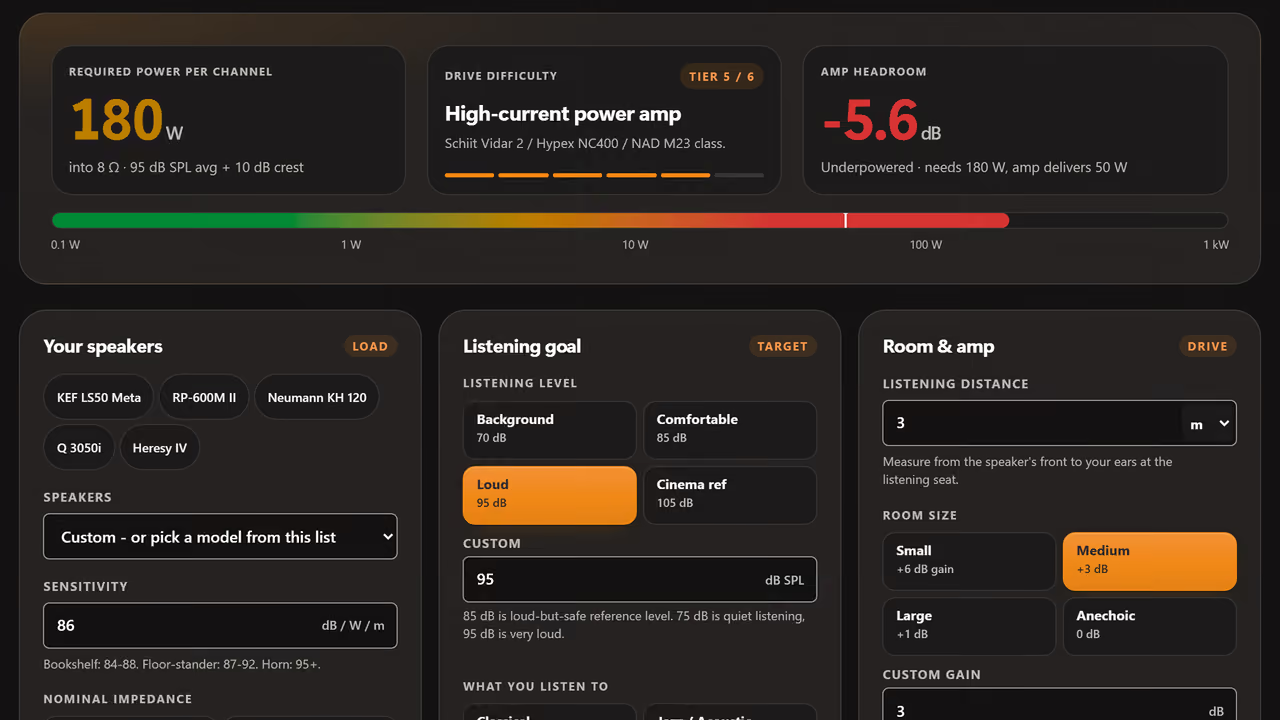
How many watts do my speakers need? Speaker Wattage Calculator
How many watts your speakers need at the chair, by sensitivity, distance, room gain, and crest-factor headroom. Inverse-square law done for you.
 Calculator
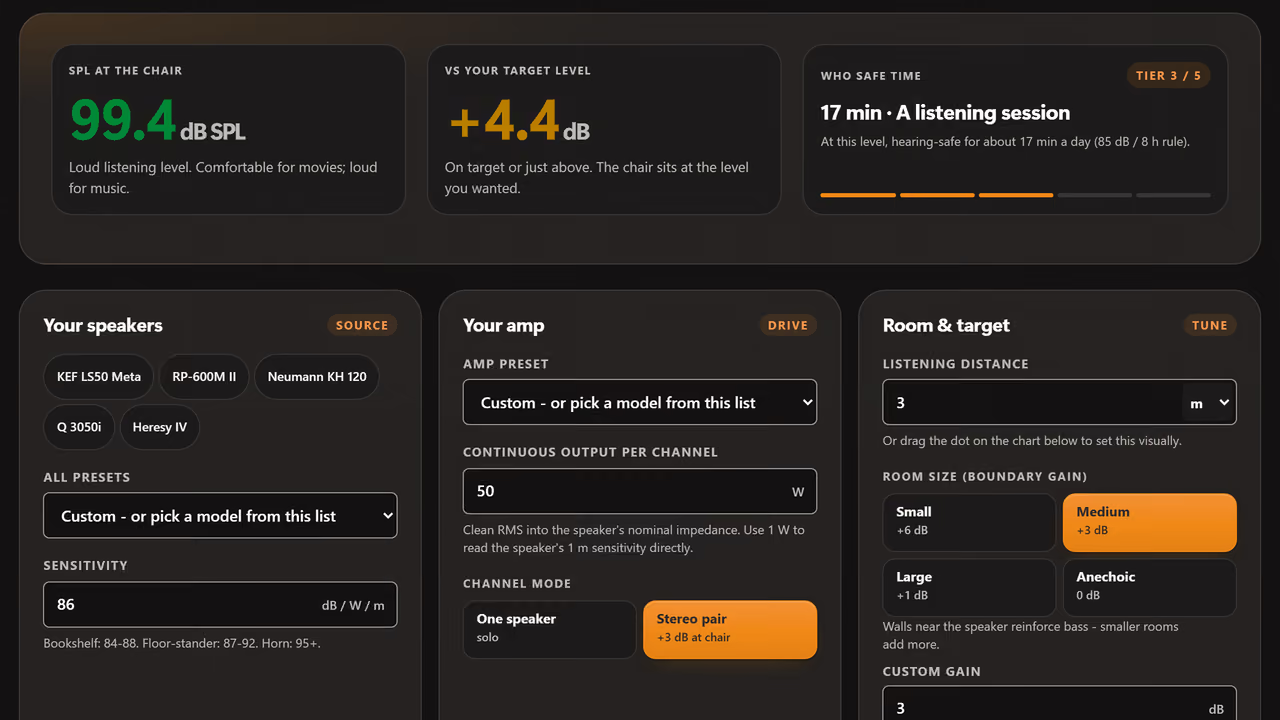
How loud will it be at my chair? SPL Distance Calculator
Calculate the exact SPL at any listening distance from your speakers. Enter sensitivity, wattage, and distance. Covers inverse square law and room gain.
Room & acoustics
Tame the room your gear plays in: modes, bass traps, and panel absorption. (2 tools)
 Visualizer
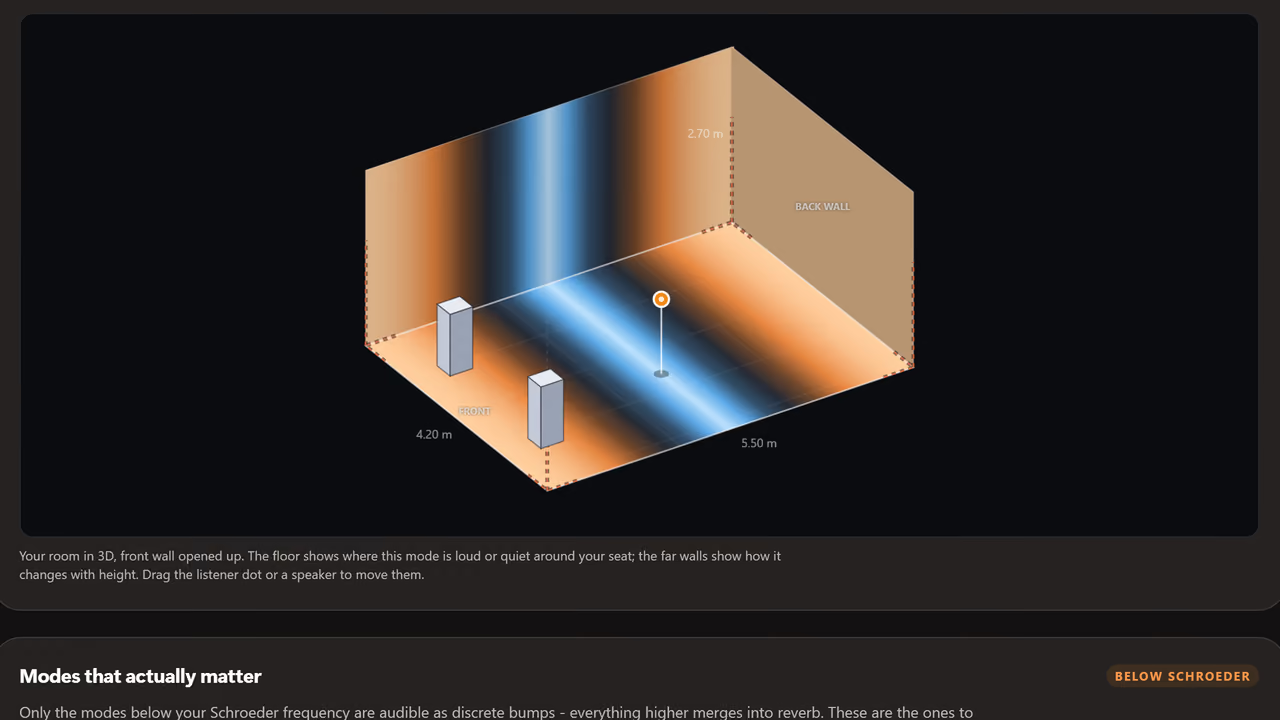
Why does the bass sound wrong in my room? Room Mode Calculator
Map every standing wave resonance up to 300Hz in rectangular, L-shaped, round, and arched-ceiling rooms. Canvas visualizer shows nodes and antinodes. Tells you where to sit and where to place bass traps.
 Calculator
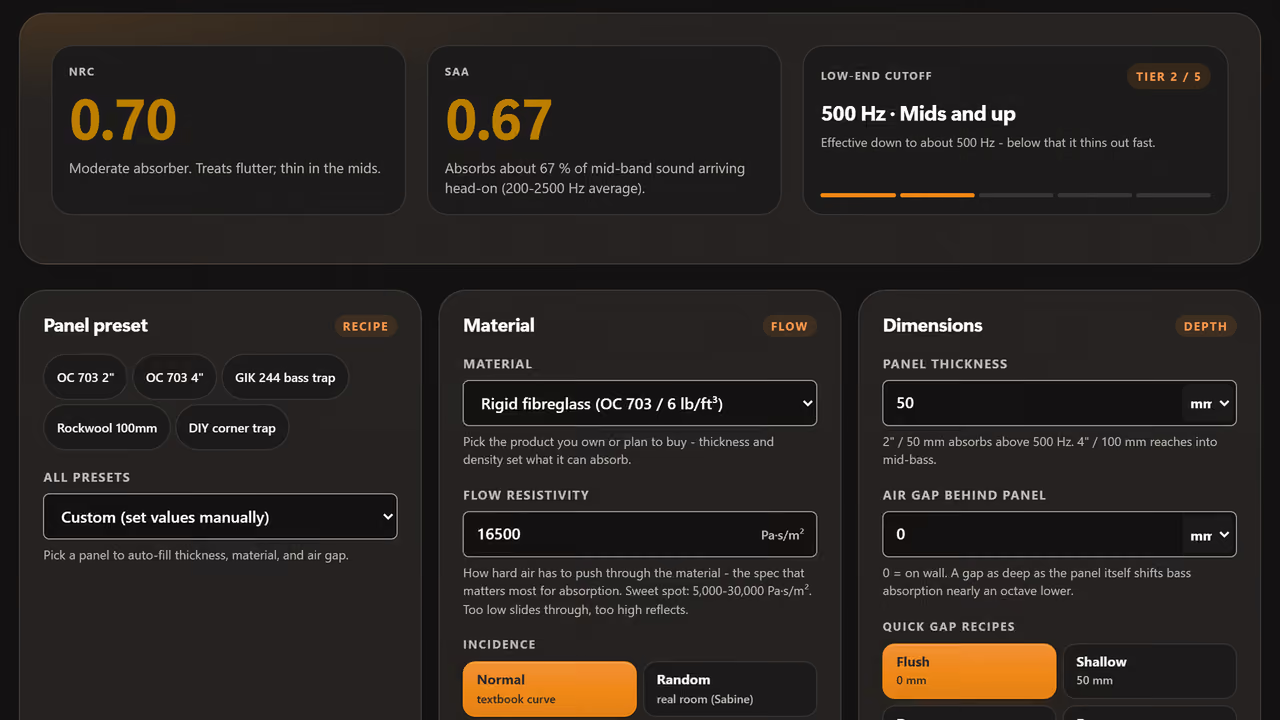
Will this acoustic panel actually work? Acoustic Panel Calculator
Plot the absorption coefficient of any porous acoustic panel from 20 Hz to 8 kHz. Thickness, flow resistivity, and air-gap depth into NRC, SAA, and a frequency curve. Presets for Owens Corning 703, Rockwool RW3, GIK 242, Auralex foam.
Cables
Gauge, resistance, and capacitance - what actually changes the sound. (2 tools)
 Calculator
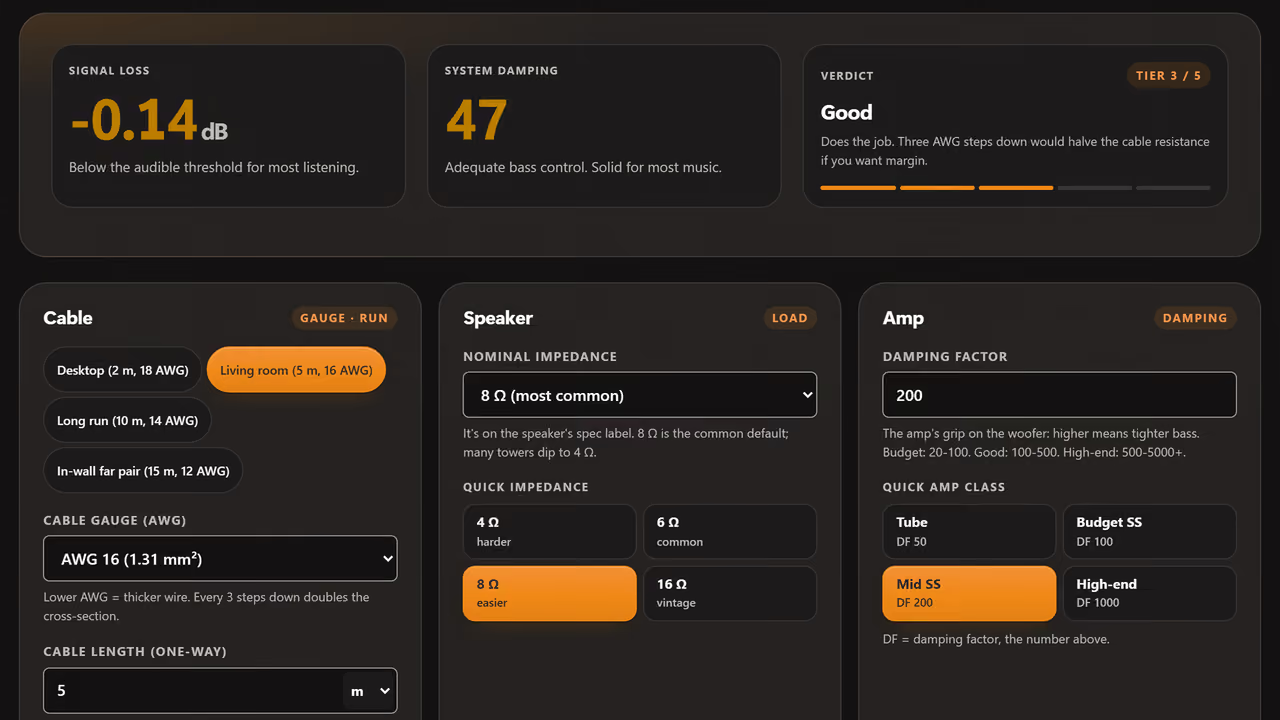
What gauge speaker cable do I need? Speaker Wire Gauge Calculator
Calculate speaker cable resistance, system damping factor, and signal loss in dB for any gauge and length. Recommends minimum gauge for your run.
 Calculator
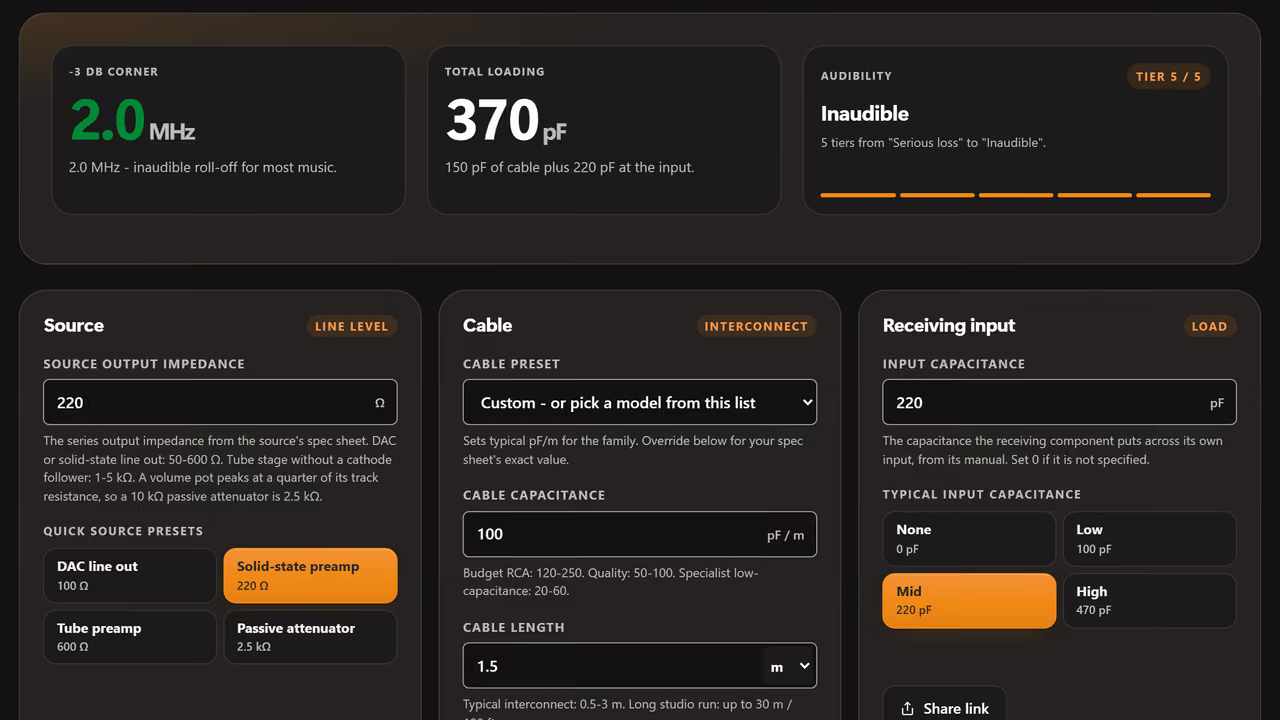
Is my cable killing the treble? Cable Capacitance Calculator
Two modes: the -3 dB treble roll-off a line-level run loses to cable capacitance, and whether your cable plus phono-stage input stays inside a cartridge's recommended loading.
Buying guides: skip the guesswork, start with the shortlist.
Curated "best of" lists where every pick is one of our scored reviews - ranked by what actually sounds best on the chain, never by who paid. No "top 10" filler.
All 13 guides- Sources Best Audio Sources 5 scored picks Top pick: Denafrips Hermes 12th Anniversary 8.9
- Headphones Best Budget Headphones 4 scored picks Top pick: Sivga Anser 8.0
- Headphones Best Budget IEMs 4 scored picks Top pick: Kiwi Ears Belle, Cadenza II, Orchestra II 8.1
- DACs Best DACs 8 scored picks Top pick: Denafrips Enyo 15th Anniversary 9.1
- Headphone Amps Best Headphone Amplifiers 4 scored picks Top pick: HIFIMAN Serenade 9.3
- Headphones Best Headphones Under $500 12 scored picks Top pick: HIFIMAN Sundara 9.0
- Accessories Best Hi-Fi Accessories 13 scored picks Top pick: Synergistic Research PowerCell 14 9.2
- Headphones Best IEMs 7 scored picks Top pick: HIFIMAN RE2000 PRO Silver 8.8
- Headphones Best Open-Back Headphones 14 scored picks Top pick: HIFIMAN HE1000se 9.3
- Headphones Best Planar Magnetic Headphones 11 scored picks Top pick: HIFIMAN HE1000se 9.3
- Best Reference-Grade Audio Gear 10 scored picks Top pick: HIFIMAN HE1000se 9.3
- Speaker Amps & Preamps Best Speaker Amps and Preamps 3 scored picks Top pick: Tonewinner AD-1PA+ 9.0
- Speakers Best Speakers 6 scored picks Top pick: Diora Acoustics Chors 5 8.5
These tools are free forever. If they help you, share them.
Read the reviewsAbout these free audio tools.
What runs in your browser, what does not, and which tool to start with for your problem.
Are these audio tools really free?
Yes. Sixteen calculators and analyzers, no account, no download, no payment. Every tool runs entirely in your browser using the Web Audio API and pure client-side computation. Your audio files (where uploaded) never leave your device.
Do I need to install anything to use the audio tools?
No. Every tool is a single web page. Modern browsers (Chrome, Edge, Firefox, Safari, Opera) on desktop and mobile run them out of the box. The tone generator, ABX test, FLAC checker, and EQ ear trainer all use the standard Web Audio API which is built into every browser.
Are the audio tools accurate enough for real engineering work?
Yes for measurements that depend on math: power calculations, room mode prediction, cable resistance, capacitance roll-off, SPL falloff with distance. For listening-based tools (ABX, frequency training), accuracy depends on your headphones, output level, and listening environment. The tone generator outputs sample-accurate sine waves and noise via standard Web Audio nodes.
Does the ABX blind test upload my audio files?
No. The ABX tool processes audio entirely in your browser. Files are decoded into AudioBuffers and never transmitted anywhere. Same for the FLAC & hi-res checker. The FFT analysis runs on your CPU, your files do not leave your device.
Which audio tool should I start with?
For matching gear: the headphone & speaker power calculator, then the ABX blind test if you are deciding between two pieces. For room and setup: the room mode calculator and the SPL distance calculator. For training your ears: the EQ ear training game. For checking music files: the FLAC & hi-res audio checker.
Do the audio tools work on phones and tablets?
Yes. Every tool runs on iOS Safari, Android Chrome, and any modern mobile browser. The Web Audio API is standard everywhere now. The tone generator, ABX test, and ear trainer benefit from a connected DAC and quality headphones rather than phone speakers, but the calculators (power, room mode, cable, SPL, safe listening) work perfectly with the on-screen keyboard.
How accurate are the test-tone frequencies and signal levels?
Frequencies are sample-accurate. The Web Audio oscillator produces the exact Hz you set, down to the floating-point precision of the browser. Output level depends on your system volume, DAC, and amp gain, which the tool cannot read; for absolute SPL, calibrate once with a measurement microphone or use the safe-listening calculator to translate your volume position into dB SPL at the ear.
Do the tools remember my inputs between visits?
Yes. Every calculator saves your last-entered values in your browser's local storage, so a return visit starts where you left off. When values come back you see a "Restored your last inputs" notice with a "Reset to defaults" button. That way you always know the numbers on screen are yours, and one tap puts the defaults back. The ABX test, ear trainer, tone generator, and FLAC checker also keep their saved results and presets between visits. All of it stays on your device: no server, no account, no tracking. Clearing your browser storage clears it too.
Can I share a calculation result or test outcome with someone else?
Yes. The ABX blind test and the EQ ear training game both draw a certificate image you can download and post anywhere. Every calculator has a Share link button too: it copies a URL with your exact configuration in it, so whoever opens that link sees the page with your numbers already filled in. The tone generator shares a signal the same way, and the ABX test and hi-res checker can share a result link.