How to read the spectrum
What to look for
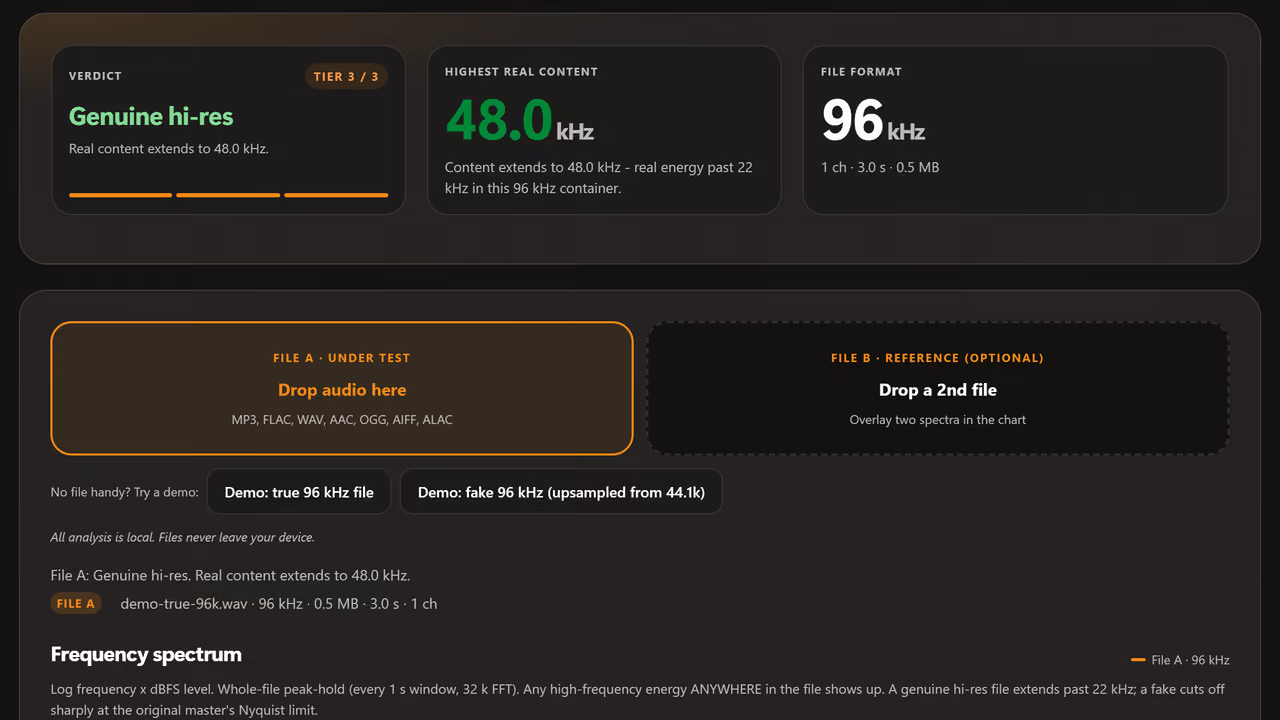
A genuine hi-res recording (96 kHz or 192 kHz) shows continuous energy extending above 22 kHz, though the level drops with frequency due to natural program-content rolloff. The key is no abrupt brick-wall cutoff below 22 kHz.
A fraudulently upsampled file shows a sharp, near-vertical dropoff at 20-22 kHz, the fingerprint of the original 44.1 / 48 kHz recording's anti-aliasing filter. Especially common with "hi-res" releases on some stores.
What it cannot prove
Even if a file has genuine hi-res content above 22 kHz, that doesn't automatically mean it sounds better than a well-mastered 16/44.1 file. The source master quality matters more than the format.
This tool analyses format authenticity only. A 96 kHz file genuinely recorded and mastered at 96 kHz is authentic. One mastered at 44.1 and exported at 96 kHz is a storage waste.